
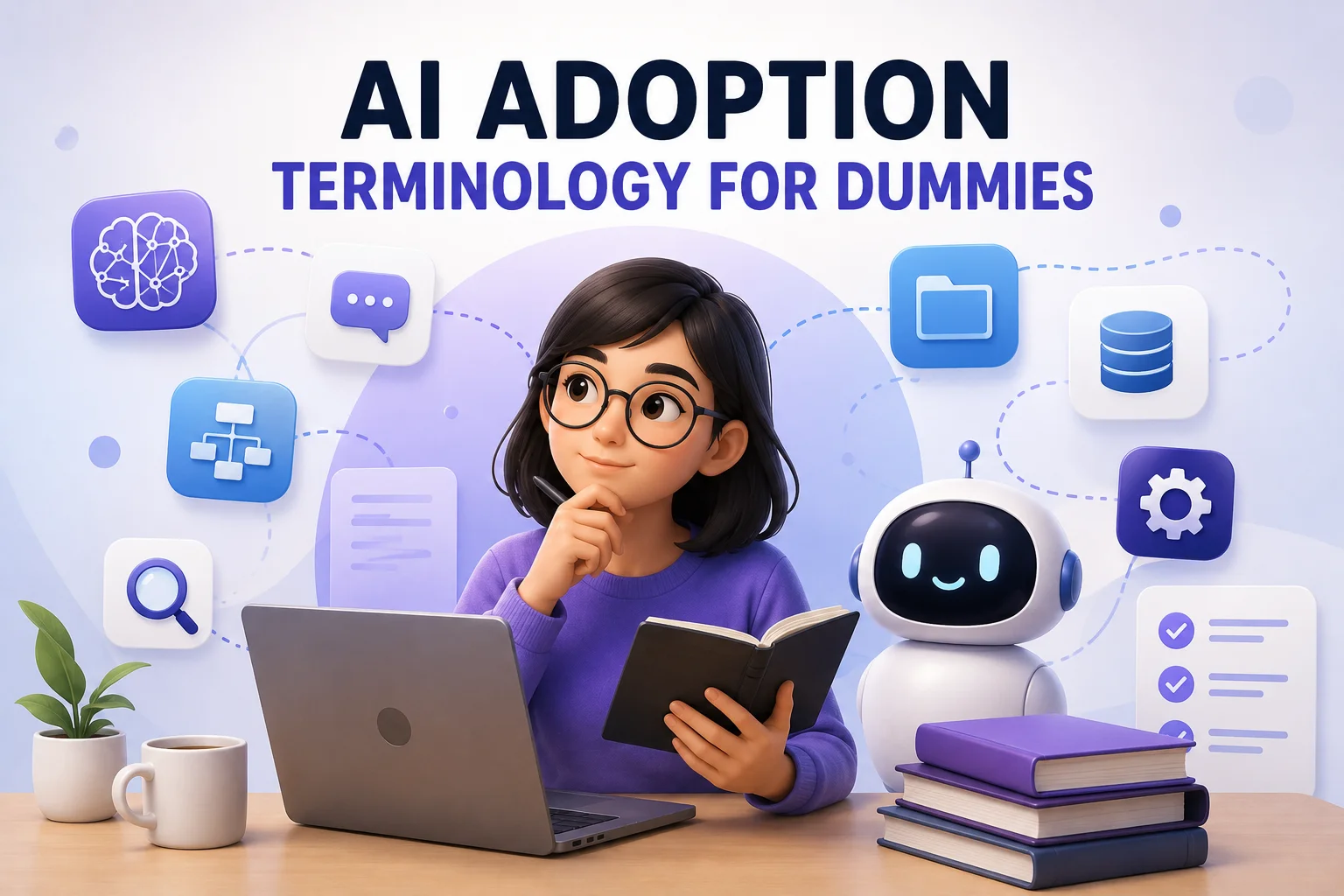
Can Someone Explain These AI Terms in Human Language?
Recently, some of my teammates started asking me questions like:
“What exactly is MCP?” “Why does everyone suddenly talk about AI Agents?” “Is Plugin the same thing as MCP?” “What is RAG?” “Why does AI sometimes suddenly become stupid halfway through a conversation?”
And honestly, I understand the confusion.
A lot of AI terminology today is explained by highly technical people, for highly technical people.
But many IT BAs, Product Owners, Product Managers, and operations people are now being pushed into AI adoption whether they are technical or not.
So this post is my attempt to explain the important AI terms using normal human language instead of engineering language.
The Core AI Terms You Actually Need to Understand
AI Agent
Think of an AI Agent as a junior digital worker.
Normal chatbot:
- answers questions
AI Agent:
- performs tasks
- follows workflows
- executes multi-step actions
Example:
- summarize meeting notes
- generate PRD draft
- analyze feedback
- create user stories
- compare competitor features
The important thing: Agents are not magically intelligent.
Most agents are simply:
- LLM + Instructions + Tools + Memory
Good process design still matters heavily.
LLM (Large Language Model)
This is the actual “brain.”
Examples:
- GPT
- Claude
- Gemini
The model itself does not know:
- your company
- your workflow
- your business logic
- your domain terminology
unless you provide it.
This misunderstanding creates many failed AI adoption projects.
People expect “smart AI.” But feed:
- messy documentation
- inconsistent business logic
- poor process definition
Then wonder why the output becomes unreliable.
Prompt
A prompt is simply instruction input.
Early AI adoption usually starts here.
Bad prompt:
Create user story.
Better prompt:
Create user story for Booking Confirmation page with validation rules, UI behavior, and API dependency assumptions.
AI quality is heavily affected by instruction quality.
This is why structured thinking suddenly becomes a competitive advantage for PMs.
Context Window
This is AI’s short-term working memory limit.
The larger the conversation becomes:
- the more information AI must remember
- the higher the chance important details get diluted
This is why long messy chats eventually degrade output quality.
For PMs, this is extremely important.
If your:
- meeting notes
- requirements
- process flows
- business rules
are unstructured, AI performance drops very quickly.
AI adoption is secretly forcing organizations to become more operationally structured.
Memory
Memory is different from Context Window.
Context Window:
- temporary conversation memory
Memory:
- long-term retained information
Example:
- remembering your product domain
- remembering workflow preferences
- remembering project structure
Without memory, AI behaves like a new employee every session.
Plugin
This term became popular during the early AI boom.
Think of Plugins like:
AI extensions for a specific platform.
Examples:
- Google Drive Plugin
- Jira Plugin
- Figma Plugin
Plugins usually:
- connect AI to one specific tool
- expose a limited set of actions
- are controlled by that platform integration
Simple mental model:
Plugin = custom integration for one platform
MCP (Model Context Protocol)
MCP actually came before the modern AI Plugin trend.
But recently, MCP became popular again because people realized building isolated plugins everywhere does not scale well.
Simplified explanation:
MCP is a standardized communication layer between AI and external tools/data.
Instead of building:
- separate Jira plugin
- separate Drive plugin
- separate internal system plugin
MCP tries to create one common way for AI to:
- discover tools
- fetch context
- execute actions
Simple mental model:
Plugin = one custom cable
MCP = universal USB standard
This is why many people believe MCP is important for enterprise AI adoption.
Large companies already have:
- ERP systems
- internal portals
- APIs
- databases
- documents everywhere
Without standardization, AI integration becomes operational chaos very quickly.
Skills
Skills are reusable AI workflows.
Example:
- PRD generation skill
- Meeting summary skill
- UAT generation skill
- Release note generation skill
This is where AI adoption becomes operational maturity.
Beginners use random prompts. Advanced teams standardize reusable skills.
This is also where many PM teams will evolve eventually.
RAG (Retrieval-Augmented Generation)
One of the most important concepts in enterprise AI.
Simple explanation:
AI temporarily looks up external information before answering.
Example: Instead of permanently teaching AI your company knowledge:
- AI searches company documents
- retrieves relevant information
- uses that information to answer
Think of it like:
Open-book exam mode
This is why:
- documentation quality
- structured knowledge
- organized files
suddenly become extremely important during AI adoption.
Bad knowledge structure = bad AI answers.
Fine-Tuning
This is different from RAG.
RAG:
- temporarily fetches information
Fine-tuning:
- permanently trains the model behavior
Simple explanation:
Fine-tuning changes how the AI itself behaves.
Example: You fine-tune AI to:
- answer in company tone
- understand shipping terminology
- follow internal writing style
- behave consistently for a specific domain
Think of it like:
RAG:
giving AI reference documents
Fine-tuning:
sending AI to long-term training school
Hallucination
One dangerous AI term everyone should know.
Hallucination means:
AI confidently gives wrong information.
This is why AI can sometimes:
- invent APIs
- fake business logic
- generate incorrect requirements
- produce non-existent references
The scary part: It often sounds extremely confident.
For PMs, this means:
AI output should be reviewed like junior staff work, not treated as absolute truth.
My Suggested Learning Path for Non-Technical PMs
Stage 1 — Personal Productivity
Start small:
- summarize meetings
- draft release notes
- improve stakeholder communication
- create requirement drafts
Do not jump into “AI transformation strategy” immediately.
Stage 2 — Structured Thinking
Learn:
- structured prompting
- reusable templates
- workflow standardization
This is the hidden PM advantage in AI adoption.
Stage 3 — Tool Integration
Connect AI into:
- Google Drive
- Jira
- Confluence
- Figma
Now AI becomes part of operational workflow instead of isolated chat usage.
Stage 4 — Knowledge & Data Awareness
This is where many companies struggle.
AI quality depends heavily on:
- structured data
- organized documentation
- clean process flow
- standardized terminology
AI does not magically fix operational chaos.
In many cases, AI simply exposes it faster.
Stage 5 — AI-Native Working Style
Eventually, the shift becomes cultural.
You stop thinking:
“How do I use ChatGPT?”
And start thinking:
“Which parts of my workflow should be AI-assisted?”
That is the real AI adoption journey.